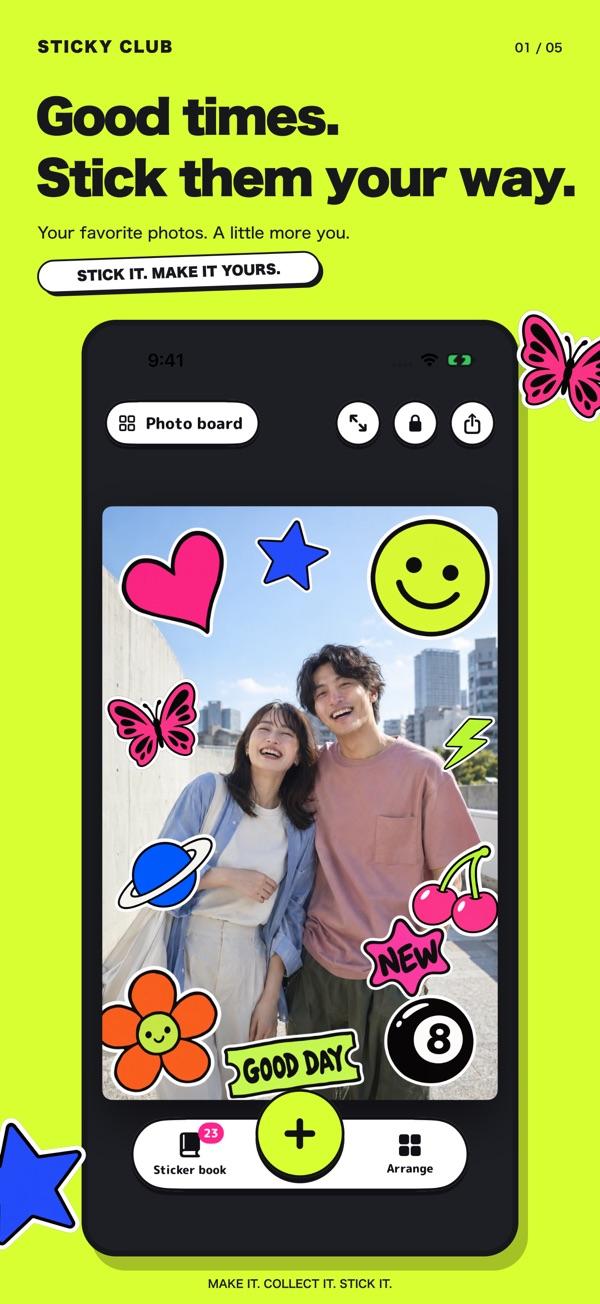
Make stickers from your photos, collect them, and stick them on the things you love. Decorate a phone case, laptop, skateboard, suitcase, fridge, water bottle or notebook inside the app, or use paper or one of your own photos as a board.
Stickers from your photos
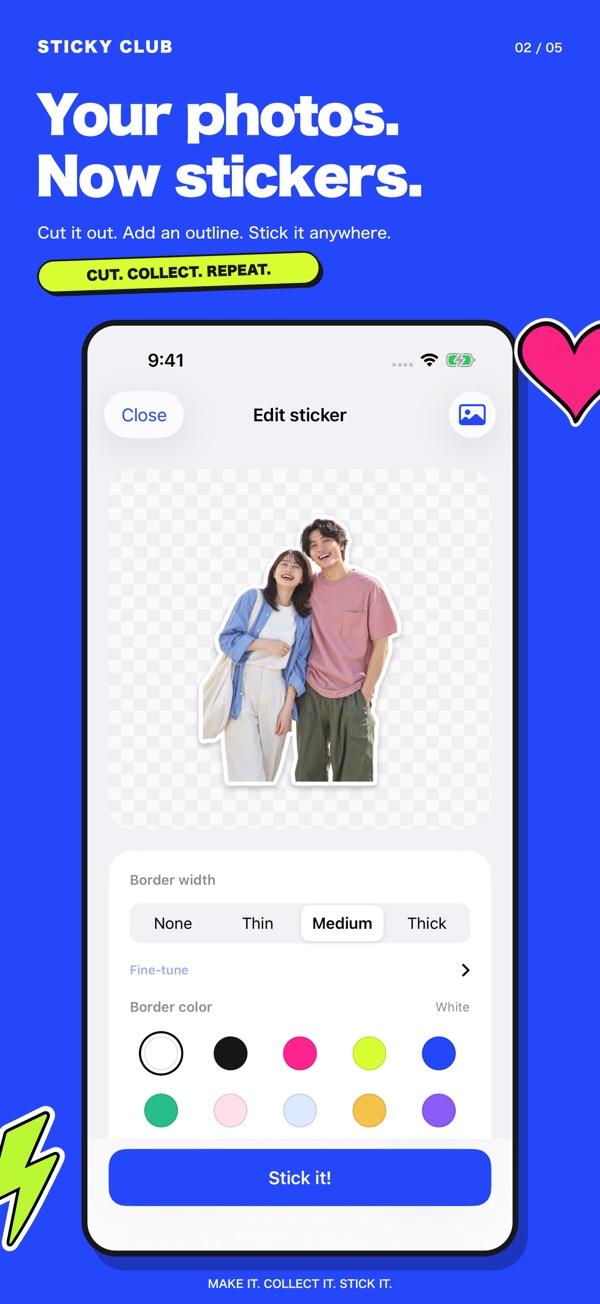
Pick a photo or take one, and the subject is cut out automatically. You can also trace around it with your finger or choose a shape. Finish with an outline color, width and shadow. Make several stickers at once from multiple photos.
23 stickers to start
Hearts, smiley faces, butterflies, flip phones, cherries and other pop and Y2K motifs are included from the start. You can also make text and hand-drawn stickers.
Stick, arrange, repeat
- Move, resize and rotate stickers
- Scatter or pack layouts
- Protect areas you don't want covered, like a camera or handle
- Export PNG or JPEG to Photos or Files (paper boards at 300 dpi)
- Sync stickers and boards through iCloud with the same Apple Account
- On iPhone Duo, your sticker book stays next to the board, and splits around the fold when half-folded
- iPhone, iPad and iPhone Duo, in English and Japanese
Start for free
Make up to 12 of your own stickers and 6 boards for free. The 23 starter stickers don't count toward the limit. The free version shows banner ads. A one-time in-app purchase removes the limits and the ads. There is no subscription.
Photo cutouts are processed on your device. Automatic cutout results vary by photo. Export important creations as images or files to keep them safe.